

A website redesign can lift conversions and refresh your brand, but done carelessly it can also wipe out years of search traffic. Rankings are not tied to how a site looks. They depend on URLs, content, links and technical health, and a redesign can disturb all of them. Use this checklist to redesign with confidence.
Do You Actually Need a Redesign?
Consider a redesign when your site:
- Looks outdated or does not match your brand
- Is not mobile friendly or loads slowly
- Is hard to update
- Converts poorly despite steady traffic
- Cannot support new services or features
If the problem is narrower, a targeted update may be cheaper than a full rebuild. Our website redesign and revamp team can assess which route fits.
Phase 1: Before You Change Anything
Benchmark your current performance. Record organic traffic, top landing pages, keyword rankings, conversion rates and page speed. You cannot judge the result without a starting point.
Crawl your existing site. Export every URL, title, heading and redirect so you know exactly what you have.
Identify your best pages. Find the pages that bring traffic, leads and backlinks. These are the ones to protect.
Phase 2: Plan the New Structure
Keep URLs the same wherever you can. If a URL must change, plan a one-to-one 301 redirect from the old address to the new one. Mapping every redirect before launch is the most important step in protecting your rankings.
Also plan:
- Navigation and page hierarchy that make sense to visitors
- Which content stays, which is improved and which is retired
- Internal links between related pages
- A clear call to action on every key page
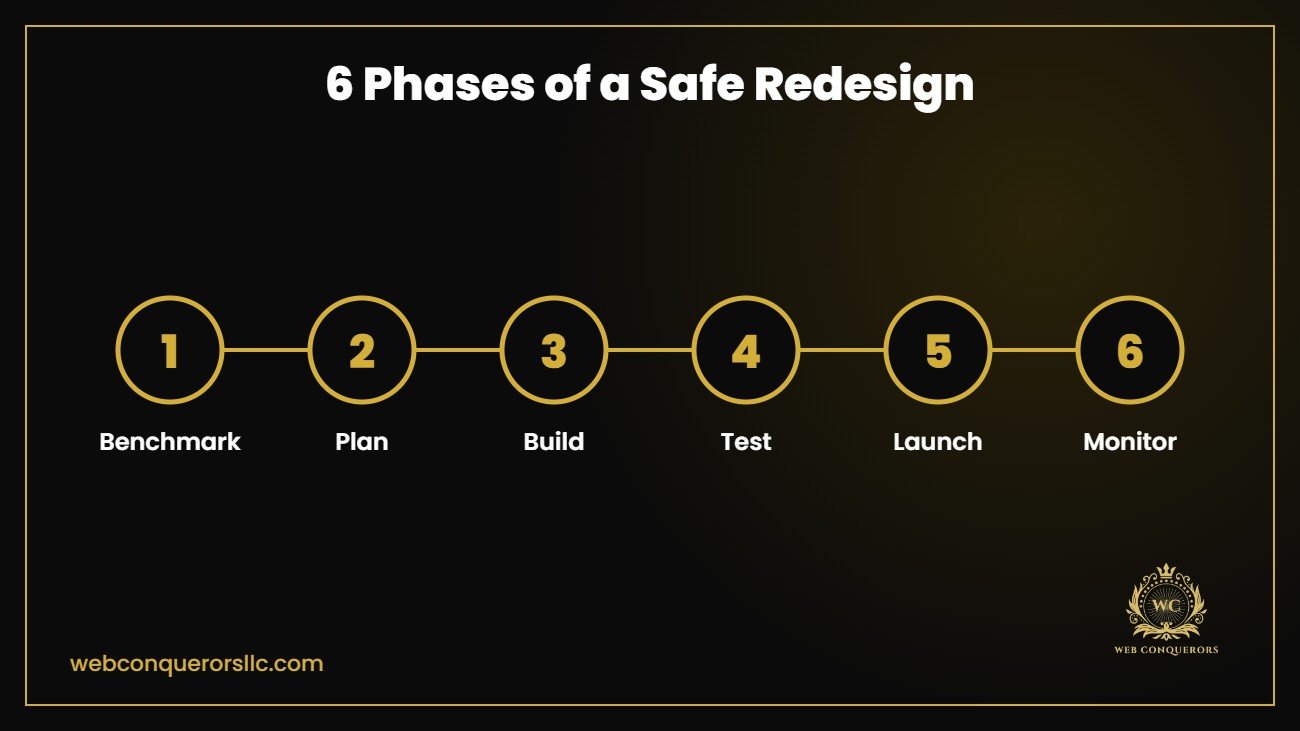
Phase 3: Design and Build
Design for mobile first, since most visitors arrive on phones. Focus on fast loading, readable text and simple forms. Keep your valuable on-page content, such as headings and copy that already ranks, rather than rewriting it from scratch. A good website design and development process builds SEO requirements into the design, not on top of it.
Phase 4: Technical SEO Checks
Before launch, confirm that:
- Title tags and meta descriptions are carried over or improved
- Heading structure is clean, with one H1 per page
- Images have descriptive alt text and are compressed
- Schema markup is in place
- The XML sitemap is updated
- The robots.txt file is not blocking the new site
- Canonical tags are correct
Test on a staging site, and make sure it is blocked from search engines until launch, then unblocked on launch day.
Phase 5: Launch Carefully
Choose a quieter traffic period if possible. After launch:
- Submit the new sitemap in Google Search Console
- Test all redirects
- Check forms, checkout and tracking
- Fix broken links and missing pages
- Confirm analytics is recording
Phase 6: Monitor and Improve
Watch Search Console closely for the first weeks. Some movement is normal while Google reprocesses your site, but sharp drops signal a problem such as missing redirects or blocked pages. Compare against your benchmarks and fix issues quickly. Ongoing search engine optimization keeps the gains going after launch.
Common Redesign Mistakes
- Changing URLs without redirects
- Removing pages that earned traffic and links
- Forgetting to remove a noindex tag after launch
- Rewriting content that already ranks
- Ignoring page speed on the new design
Make the Redesign Pay Off
A redesign is a chance to improve conversions as well as looks. Add clear offers, trust signals and simple forms, and support the new site with digital marketing and lead generation so the extra polish turns into enquiries. You can see examples of this work in our case studies.
Conclusion
A redesign should protect what already works while improving what does not. Benchmark first, map every redirect, test thoroughly and monitor after launch. Plan carefully and you can have a better looking site without sacrificing your search visibility.
Thinking of a redesign? Contact Web Conquerors LLC for a free review of your current site and a plan to upgrade it safely.